Choosing a Led Writing Board Digital Signage display in 2026 means matching the screen to its real setting, not just selecting an attractive product photo. A bright shop window, a classroom wall, and a reception desk each create different viewing conditions. Distance matters. So does glare. A board that looks sharp up close may be difficult to read from across a busy room.
This guide explains the practical checks that make a shortlist more reliable. Compare pixel pitch and resolution with typical viewing distance. Check brightness, contrast, and surface finish against the room’s lighting. If people will write or draw on the screen, test touch response, writing accuracy, and palm rejection in person when possible. Small tests help. Review supported file formats, network options, content updates, warranty terms, and the availability of replacement parts. Ask how the display performs during a full day of use, not only during a brief demonstration.
There is no single specification that guarantees a good fit. A high-brightness model can be unnecessary indoors, while a low-cost board may create extra work if its software is awkward. That trade-off is easy to miss. Consider installation space, power access, maintenance, and the total cost over time. Confirm product claims with technical documents and a hands-on demonstration where available. Your needs may change. A careful comparison can narrow the choices, but the final decision should reflect the people using the board and the conditions they face every day.
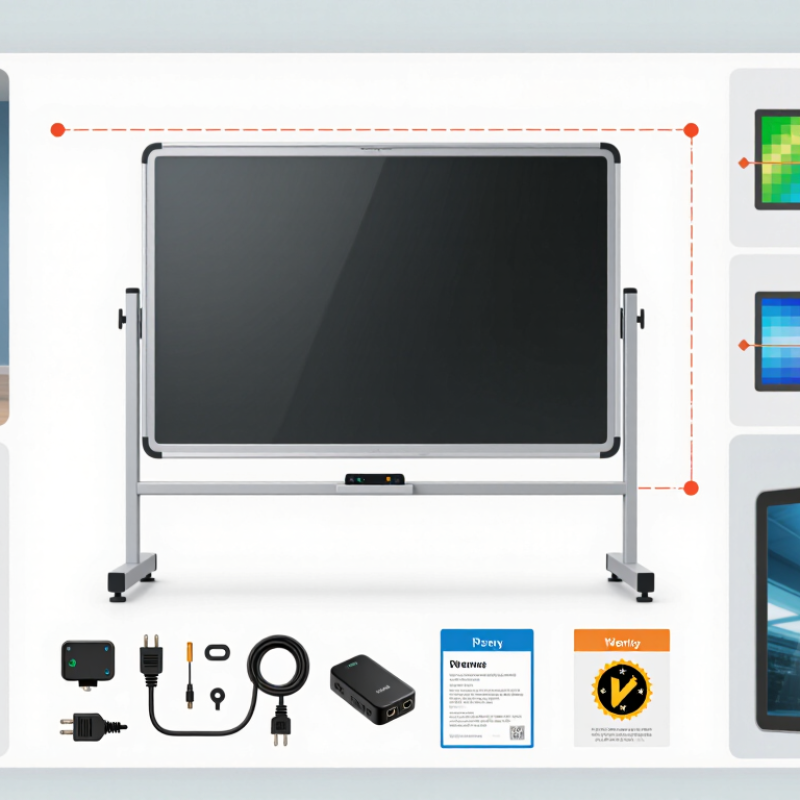
How to Choose LED Writing Board Digital Signage in 2026
An LED writing board digital sign combines a bright display with space for changing messages, schedules, prices, or reminders. Some models let staff write directly on a touch-sensitive screen; others display content updated from a computer or mobile device. The distinction matters. A board designed for handwritten notes may not offer the same scheduling tools as a full digital signage system.
Picture a café counter with a menu that changes each morning, or a school hallway showing room updates beside a handwritten event note. LED displays can stay visible in bright indoor spaces, but legibility still depends on viewing distance, text size, and glare. Keep it legible. A screen packed with tiny details can look impressive up close and fail from across the room.
Before choosing a board, consider who updates it and how often. Check the writing method, brightness controls, mounting options, and whether content can be changed remotely. For a small shop, simple controls may matter more than advanced software. For a busy reception area, scheduled messages can save staff time. There is no perfect setup for every space; even a useful board can become overlooked if its content stays unchanged too long. A modest, regularly updated display may serve people better than a larger screen with cluttered messages.
| Decision Factor | What to Know | Practical Selection Guidance | Typical Uses |
|---|---|---|---|
| Writing and interaction | A standard LED display shows content but is not automatically writable. Writing requires a compatible touch or interactive layer, controller, and software. | Confirm whether users need finger or stylus input, multi-user writing, annotation over presentations, and the ability to save or share notes. Check that the interactive system works with the display’s size and operating environment. | Classrooms, training rooms, meeting spaces, planning sessions, and collaborative work areas. |
| Indoor or outdoor location | Indoor displays are designed for controlled environments. Outdoor displays need suitable protection against weather, dust, sunlight, and temperature changes. | For outdoor installation, verify the manufacturer’s stated ingress-protection rating, operating-temperature range, sun readability, ventilation, and installation requirements. Do not assume an indoor display is weather-resistant. | Indoor: classrooms and retail. Outdoor: building facades, campus signs, and sheltered public information displays. |
| Pixel pitch and viewing distance | Pixel pitch is the distance, in millimetres, between adjacent LED pixel centres. A smaller pitch generally supports finer detail at close viewing distances. | As a rough planning rule, a viewing distance in metres is often comparable to the pixel pitch in millimetres for basic readability; actual results depend on content, eyesight, and display design. Review content at the expected distance before choosing. | Close-up writing and detailed graphics usually call for finer pitch than large signs viewed from farther away. |
| Brightness | Brightness is commonly specified in nits (cd/m²). Required brightness depends on ambient light, reflections, viewing direction, and whether the screen is exposed to daylight. | Indoor installations often use hundreds of nits; bright or sunlit locations may require substantially higher output. Compare brightness specifications under the intended conditions and check whether automatic adjustment is available. | Meeting rooms, shops, windows, atriums, and outdoor information signage. |
| Resolution and content | LED wall resolution is determined by its physical dimensions and pixel pitch. It may not match common computer display resolutions exactly. | Ask for the actual pixel resolution and confirm that laptops, media players, and content software can scale or map content correctly. Test text, diagrams, and handwriting at the intended screen size. | Text-heavy lessons, presentations, dashboards, menus, and promotional content. |
| Touch performance | Touch accuracy, latency, supported touch points, and palm rejection vary by interactive technology and product design. | Test writing with the intended stylus or finger, including edge areas and simultaneous users. For frequent handwriting, prioritize low perceived latency, accurate strokes, and comfortable glass or surface treatment. | Whiteboard sessions, annotations, digital lessons, and interactive wayfinding. |
| Viewing angle and placement | LED displays have specified horizontal and vertical viewing angles, but perceived brightness and colour can change when viewed off-axis. | Check sightlines from seats, aisles, and accessible viewing positions. Request viewing-angle specifications and assess the screen from the farthest and most oblique audience positions. | Lecture rooms, reception areas, retail spaces, and public venues. |
| Refresh and camera use | Refresh behaviour and scan design can affect camera images, particularly in video calls, live broadcasts, or recorded presentations. | If cameras will capture the display, test it with the actual camera and frame rates. Ask for relevant refresh specifications and check for visible flicker, banding, or moiré in recordings. | Video conferencing, hybrid classrooms, studios, and event stages. |
| Content management | Digital signage may use a built-in system, an external media player, or a computer. Interactive writing software may be separate from signage software. | Confirm supported file formats, network requirements, scheduling, remote updates, user permissions, and offline operation. Check how written notes can be saved, exported, or cleared. | Scheduled announcements, lesson materials, live dashboards, and rotating promotional messages. |
| Installation and maintenance | LED displays may require structural support, power planning, ventilation, calibration, and access for servicing. | Assess wall load, mounting method, cable routing, power availability, service access, and the availability of replacement modules. Include installation and ongoing maintenance in the total-cost estimate. | Permanent classrooms, retail fit-outs, conference rooms, and large-format public displays. |
| Best-fit checklist | The right configuration depends on the viewing distance, ambient light, interaction needs, content, environment, and installation constraints. | Before purchase, document the screen size, audience distance, indoor or outdoor conditions, writing workflow, connected devices, operating hours, and service plan. Request a demonstration using representative content. | Use this checklist to compare proposals for education, business, retail, and public information projects. |
It combines a bright display with space for changing messages, schedules, prices, or reminders. Some models allow direct writing; others use computer or mobile updates.
A touch-sensitive board may let staff write by hand. A full signage system may offer scheduled or remote updates. They are not always interchangeable.
Measure the wall space and the distance people stand away. A board beside a café queue may be smaller than one viewed across a lobby. Distance matters.
Around 500 to 1,000 nits can be a useful starting range indoors. Check the display in its actual location during bright daylight. More brightness can create glare.
Yes. A tighter pitch can make small lettering smoother at close range, but it often costs more. A 2.5 mm pitch may suit viewing from a few metres away better than arm’s length.
Check wall strength, power access, cable routes, sunlight, and service access. Technicians should be able to reach key parts without removing the whole display. Easy to miss.
Review the ingress rating, operating-temperature range, and impact protection. Indoors, heat trapped above a doorway can also affect component life.
Compare rated power, daily runtime, standby draw, replacement modules, and service visits. A meter can help check actual use. The purchase price is only part of the picture.
Update messages regularly and keep text large enough to read from the intended distance. A cluttered screen may be ignored, even if it looks impressive up close. I would still test readability on site.
Choosing Led Writing Board Digital Signage in 2026 starts with understanding where and how the display will be used, such as in classrooms, shops, offices, or public spaces. Consider the viewing distance and available installation area when selecting display size and resolution, and choose a brightness level suited to the room’s lighting. These factors help keep text and visuals clear and comfortable to read.
Next, compare writing methods, content controls, and connectivity options to find a system that is easy to update and fits everyday needs. Check installation requirements, durability, and expected operating costs, including power use and maintenance. Before making a decision, review the warranty, applicable safety standards, and availability of long-term support. Evaluating these points together can help you select a practical display that remains reliable and useful over time.

 Best Display