A menu board can change a guest’s decision in the few seconds they spend beneath it. In 2026, choosing Restaurant Digital Signage means weighing readability, menu updates, kitchen workflows, and total ownership cost—not just screen size. Grand View Research valued the global digital-signage market at $28.83 billion in 2024 and projects continued growth through 2030. That is broad market context, not proof that every restaurant needs more screens.
The National Restaurant Association’s 2025 State of the Restaurant Industry projected $1.5 trillion in U.S. restaurant sales. In a busy lunch rush, a clear screen showing prices, combos, and sold-out items may reduce confusion at the counter. But screens can also distract or create extra work when updates are slow. Small details matter.
Digital-signage analyst Dave Haynes, founder of the industry publication Sixteen:Nine, has emphasized the importance of useful content over hardware. Put plainly: “The screen is only as good as what it shows.” Treat that as a practical principle, not a verified verbatim quotation. This guide will help compare display brightness, software, integrations, support, and menu-management tools. It will also ask a less comfortable question: will the system solve a real service problem, or simply add another device to maintain? The right choice depends on your restaurant, your team, and the moments when guests need information most.
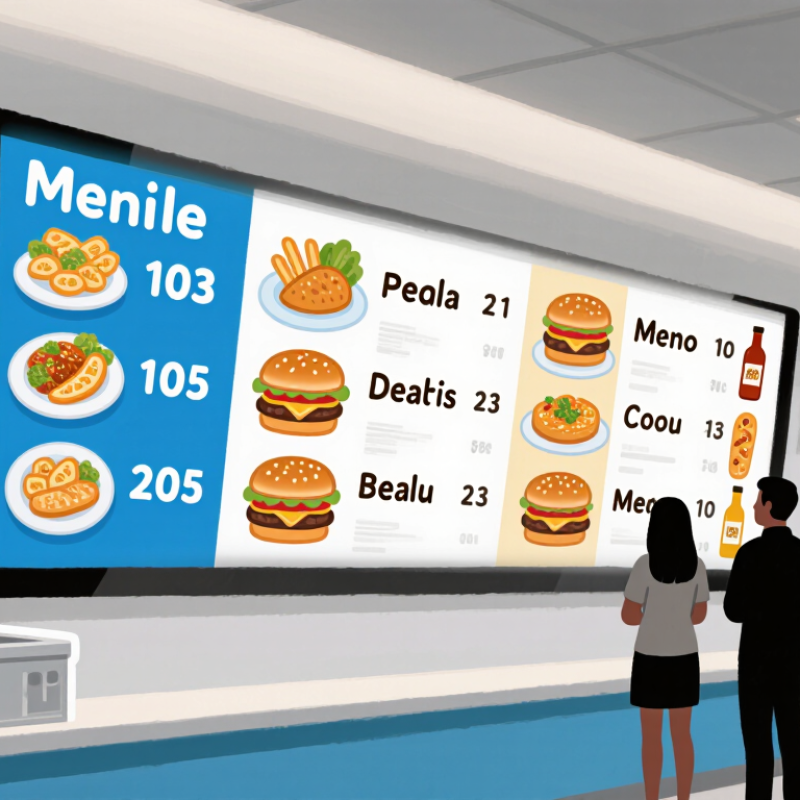
Define your restaurant’s digital signage goals before comparing screens or software. Decide what each display must improve: faster menu updates, clearer lunch specials, fewer ordering errors, or better queue flow. A screen above the counter should solve a different problem from one near a pickup shelf.
Note peak-hour viewing distance, window glare, kitchen heat, and who will update prices. Small details matter.
Grand View Research’s 2024 digital signage market analysis estimated a global market value of $26.76 billion in 2023, with projected annual growth of 8.1% through 2030. That signals wider adoption, not guaranteed restaurant returns.
Set a measurable baseline first, such as update time, order accuracy, or promotion uptake. Then specify screen size, brightness, network needs, accessibility, and a realistic maintenance budget.
Keep the plan flexible. A forecast can miss the realities of a busy dining room, and even a well-designed screen can become stale if nobody owns the updates.
Choose screens by task, not by habit. At the entrance, a bright portrait display can show opening hours, wait estimates, and daily specials. Keep messages brief; guests should understand them while moving. In the ordering queue, use a wide menu screen with clear sections and readable prices. Add photos when they explain unfamiliar dishes. Avoid rapid slide changes. Guests may need to scan twice.
At the pickup counter, a compact status display can show order numbers or preparation stages. Place it where people in line can read it without blocking the counter. In dining areas, smaller screens can share seasonal items or simple service instructions. Keep sound off. Reflections from windows and pendant lights can wash out a screen, so check visibility during both lunch and evening service. A layout that looks tidy on a floor plan may fail when a queue blocks the view.
Tips: Walk each service area from a guest’s viewpoint before choosing screen size and mounting height. Test the display during a rush. Check text from the farthest likely viewing spot, and confirm that menus remain readable under actual lighting. If staff keep answering the same question, the sign may be in the wrong place or showing too much information. Don’t assume the first setup is right; observe, adjust, and check again.
How to Choose Restaurant Digital Signage in 2026?
Compare screens in the conditions where they will operate. A bright window-facing menu may need higher brightness than a display above a shaded counter. Check resolution, viewing angle, screen size, and operating-hour rating. At a few meters away, small text can blur, even on a sharp screen. Measure the wall and viewing distance before choosing. Also consider glare from pendant lights and reflections from glass.
Tips: Ask for a real-time demo. Test menu updates, scheduled changes, and image loading on the actual network. Confirm whether the system supports your existing point-of-sale tools, menu database, or ordering platform. Integration can reduce duplicate work, but only if updates sync reliably.
Software matters as much as the display. Look for clear scheduling, role-based access, reusable menu layouts, and preview tools that catch errors before publishing. Ask what happens when the internet drops: Can screens keep showing the latest saved menu? Check setup support, software fees, and replacement procedures in writing. A lower purchase price may hide ongoing costs. One detail is easy to miss: staff may need to change prices during a busy shift, so the workflow should be simple enough to use under pressure.
Restaurant digital signage is a long-term operating expense, not just a screen purchase. A display above a sunlit pickup counter may look sharp at opening and become hard to read by noon. Compare total costs: screens, media players, software, installation, energy, support, and replacement parts.
Grand View Research valued the global digital-signage market at $28.83 billion in 2023. Its report projected 8.1% annual growth from 2024 to 2030. That is a market-wide forecast, not proof that every restaurant needs more screens.
Ask vendors for itemized quotes, uptime commitments, offline behavior, and data-export terms. No surprises. Even a tidy spreadsheet can miss glare.
Accessibility and local requirements deserve equal scrutiny. Use clear type, strong contrast, captions for video, and never communicate allergens through color alone. The W3C’s WCAG 2.2 guidance offers practical standards for readable, perceivable digital content.
Check that guests can access menu information without relying only on a screen. Rules for prices, nutrition, allergens, and accessible service vary by location and service model. Confirm requirements with relevant local authorities before rollout.
Keep content-change records, test screens at busy hours, and review updates when menus or regulations change. Small screens above a queue are easy to overlook. That part is not always solved by buying better hardware.
Plan installation around the room, not just the screen. Measure viewing distance, ceiling height, window glare, and staff traffic before choosing a display location. A screen by a sunny entrance may need more brightness than one above a shaded counter. Check power and network access before mounting; exposed cables can snag carts or complicate cleaning. Keep displays away from heat, steam, and splash zones.
Choose a content management system that lets staff update prices, item availability, and schedules without calling a technician. Use reusable templates, but leave enough space for readable prices and clear food images. Assign one person to approve changes, then preview each screen at its actual size. The first layout may still feel crowded; review it during a real lunch rush. Keep it simple.
Tips: Create a weekly content check and a monthly hardware check. Clean screens with suitable materials, inspect mounts and cables, and confirm updates appear on every display. Record outages and recurring faults; small issues can point to poor placement or weak connectivity. Check again monthly.
A bright portrait display can show opening hours, wait estimates, and daily specials. Keep messages brief. Guests may only glance at it while walking.
Use a wide screen with clear sections and readable prices. Add photos when they explain unfamiliar dishes. Avoid fast slide changes; guests may need another look.
Place a compact screen near the pickup counter, where people in line can see it without blocking staff. Show order numbers or preparation stages. Test the view during a rush.
Read the text from the farthest likely viewing spot. Check it at lunch and in the evening, when glare may change. A neat floor plan is not proof.
Count screens, media players, software, installation, energy, support, and replacement parts. Ask for itemized quotes and uptime details. Small costs add up.
Use clear type and strong contrast. Add captions to video, and never use color alone to communicate allergen information. Keep another way to access menu details.
Yes. Requirements for prices, nutrition, allergens, and accessible service can vary by location and service model. Confirm them with relevant local authorities.
Check screens during busy hours and after menu or rule changes. Keep records of content updates. If staff repeatedly answer the same question, reconsider the screen’s location or message. It may still be wrong.
Choosing Restaurant Digital Signage in 2026 starts with clear goals: decide whether screens should highlight menus, promote specials, guide customers, or support faster service. Then match the signage type and placement to each area, such as ordering points, dining spaces, pickup counters, or drive-through lanes. Consider visibility, screen size, brightness, resolution, durability, and how easily the display works with your content tools and existing systems.
Before making a decision, compare the full costs of hardware, software, installation, and ongoing support. Assess vendor responsiveness, accessibility needs, and relevant safety and regulatory requirements. A practical rollout plan should cover mounting, network access, staff training, content updates, and routine maintenance. With these factors considered together, restaurants can choose a reliable setup that fits their service flow, budget, and customer experience goals over time.

Best Display