Choosing the best Android Digital Signage player in 2026 requires more than comparing processor speeds. The right device must remain stable beneath bright displays, crowded networks, and long daily schedules. It should start quickly, decode 4K video smoothly, and recover after a power interruption. Small details matter. A loose HDMI connection can ruin an otherwise excellent installation.
Digital signage strategist Dave Haynes has often emphasized, “Digital signage is not about the technology. It is about the content.” That principle still matters, but hardware now shapes the viewing experience. A weak player may cause frozen menus, audio delays, or blank screens during busy retail hours. A dependable player supports remote management, secure updates, Wi-Fi stability, and accurate playback across different screen sizes. Android versions, storage limits, cooling design, and software compatibility also deserve careful inspection.
This guide compares leading Android players through practical criteria, not impressive specifications alone. We will examine performance, reliability, security, connectivity, CMS support, and total ownership cost. Real installations can be messy. Network signals fluctuate. Staff members unplug devices. Updates sometimes create unexpected problems. A perfect device may not exist. That is worth admitting.
The best choice depends on the location, content, and maintenance team. A small café may need simple scheduling and low power use. An airport lounge may require stronger monitoring and continuous playback. We will highlight these differences clearly, while questioning common marketing claims. Speed helps. Stability matters more. And content still decides whether viewers stop, look, and remember.
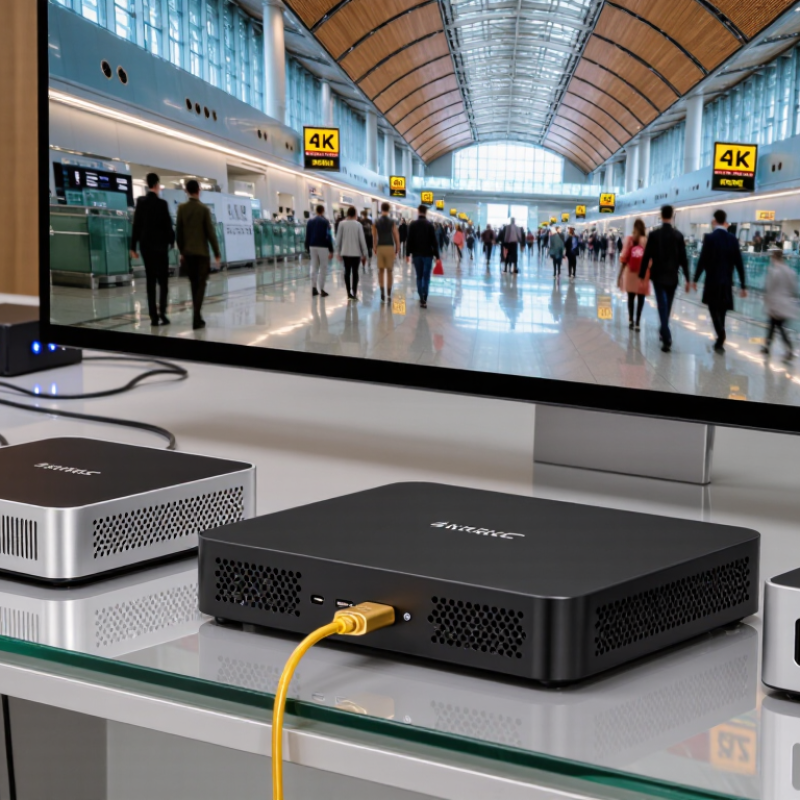
An Android digital signage player is a compact computer that runs display software and sends content to a screen. It may connect through HDMI, join a network by Wi-Fi or Ethernet, and retrieve schedules from a content management system. Think of a lobby display showing a welcome message at 9 a.m., then a room schedule later. The player handles that change. The screen itself does not usually decide what appears.
Some players are dedicated devices; others are Android-based boxes adapted for signage. The distinction matters. A general-purpose box may play video well but lack reliable remote updates, automatic recovery after a power cut, or long-term software support. No screen magic. Check supported resolutions, available ports, storage, and whether the device can run the intended signage app. For a busy hallway, stable playback and easy remote monitoring may matter more than raw processing speed.
The term can be a little loose. Sellers may describe very different hardware with the same label, so specifications deserve a close read. Ask how content is stored if the network drops, and test the player with your actual media files before installation. A smooth demo is useful, but it does not prove dependable operation over months. Details matter. A modest device with clear support and predictable updates may be a better fit than a faster one with uncertain maintenance.
What Is the Best Android Digital Signage Player in 2026?
How Android Signage Players Work in 2026
An Android signage player turns a screen into a managed display. A content-management system sends schedules and media over a network. The player stores files locally, decodes video, and sends the picture through HDMI. When the connection drops, cached content can keep playing, depending on the software and device settings. Grand View Research estimated the global digital signage market at $28.83 billion in 2024, with an 8.1% projected annual growth rate through 2030. That signals expanding demand, not that every Android player is reliable.
In practice, an administrator assigns a playlist, screen, and playback time through the management system. Remote monitoring can report whether a device is online, but it cannot always confirm what viewers actually see. A loose HDMI cable or an outdated app may still leave a blank screen. I used to assume a higher specification guaranteed smoother playback; it does not. Check supported video formats, memory, cooling, update policies, and recovery after power loss. Test with the actual screen and content.
Tips: Run a full-day trial with your largest video files. Unplug the network briefly and verify playback, then check the screen remotely and in person. A little redundancy helps.
How Android signage players work: matching a player’s decoding capability to your screen’s resolution.
Pixel counts are calculated from standard 16:9 display dimensions. Higher-resolution content contains more pixels and generally requires greater video-decoding capability; check that an Android player supports your content format and target resolution before choosing it.
A strong Android digital signage player should match the screen, software, and daily workload—not just advertise a high resolution. Check that its processor can decode the video formats you use and keep playback smooth at your chosen resolution. A “4K” label alone says little about performance during complex layouts or continuous playback. Test a sample playlist, including transitions and video, before installation.
Ports matter. Confirm the player has suitable HDMI, wired network, and USB connections for the site. If it sits behind a display, check its dimensions and ventilation; heat can cause problems that a specification sheet may not reveal.
Software support deserves equal attention. Confirm that the device’s Android version is compatible with your signage platform, then ask how security updates and operating-system upgrades are handled. Remote monitoring can help staff spot a frozen screen or lost connection without visiting every location. Reliable Wi-Fi may be useful, but wired Ethernet is often easier to troubleshoot in a fixed installation.
Updates matter. Review how the player behaves after a power interruption and whether it resumes scheduled content automatically. There is no perfect spec sheet, and I would not assume a newer processor guarantees better real-world performance. A short trial in the actual environment can expose weak signal strength, slow startup, or unexpected heat.
The best Android digital signage player is the one that stays reliable in your actual display environment. Compare processors, memory, supported video formats, and operating-system update policies. A bright lobby display may need 4K playback, while a small menu screen may run smoothly at lower resolution. Check whether the player can restart content after a power cut and reconnect to your network without manual setup. These details matter. MarketsandMarkets estimated the global digital signage market at $25.2 billion in 2024, projecting growth to $35.9 billion by 2029. That expansion makes long-term support worth checking, not just the purchase price.
Tips: Ask for a trial unit. Run your own playlist for several days, including video, images, and scheduled changes. Watch for heat, playback stutters, and slow remote updates. Compare how each device handles offline playback, device monitoring, and secure access. A low-cost player can become expensive if staff must repeatedly visit screens to fix it.
Some comparisons still miss an awkward detail: identical Android specifications do not guarantee identical performance. Software, cooling, and the signage platform all affect stability. Record startup time and recovery after a network interruption before choosing. Keep a spare unit if a screen supports a time-sensitive service.
The best Android digital signage player in 2026 depends on the display network it must serve. A single screen in a quiet reception area has different needs from dozens of displays across busy locations. Check the player’s Android version, available storage, network options, and supported screen resolution. Then test it with your actual content: a short video, a still image, and a scheduled playlist. Real playback can reveal heat, stuttering, or slow startup that a specification sheet may not show.
Tips: Match the player to the environment. For wall-mounted displays, confirm its dimensions and ventilation clearance. For remote sites, check whether it can recover after a power loss and reconnect without someone visiting the screen. These details sound small. They can save hours.
Before expanding, run a pilot on a few screens for several days. Watch for dropped connections, delayed schedules, and differences in brightness or color. Ask who will update content and troubleshoot devices; a powerful player may still be a poor fit if routine maintenance is difficult. I would not choose from specifications alone. They leave out the messy parts, like an awkward mount or weak Wi-Fi. Test those too.
It turns a screen into a managed display. A content system sends schedules and media over a network. The player decodes files and sends images through HDMI.
Often, yes. Cached files may continue playing after a short network failure. This depends on the software and device settings.
Not always. It can show that a player is online, but not confirm the picture. A loose HDMI cable may still create a blank screen.
Test your largest files, chosen resolution, transitions, and complex layouts. A “4K” label alone proves little. Smooth playback matters more.
Check HDMI, wired network, and USB connections. Confirm each port matches the installation. A fixed site may benefit from Ethernet.
A player behind a screen needs enough space for airflow. Excess heat can cause freezes or playback problems. Specifications may miss this detail.
Very important. Confirm Android compatibility, security updates, and system upgrade policies. Old software may become difficult to manage.
The player should restart and resume scheduled content automatically. Verify this during testing. It may not work perfectly by default.
Run a full-day trial with real content and the actual screen. Briefly unplug the network. Check the display remotely and in person.
No. I once assumed higher specifications meant smoother playback. Cooling, formats, memory, software, and testing matter too. A short trial reveals more.
Choosing the best Android Digital Signage player in 2026 starts with understanding how it connects displays to content management software and keeps information playing reliably. Modern players can support scheduled playback, remote updates, and a range of media formats, but capabilities vary by device. When evaluating options, consider processing performance, memory, network connectivity, supported resolutions, operating system updates, security controls, and the ease of managing multiple screens.
There is no single player suited to every display network. A small installation may prioritize simple setup and low power use, while a larger network may need dependable performance, centralized management, and room to scale. Compare devices against your content requirements, screen specifications, operating conditions, and long-term support needs. The right Android Digital Signage player is the one that delivers consistent playback and straightforward management for your particular setup.

Best Display